
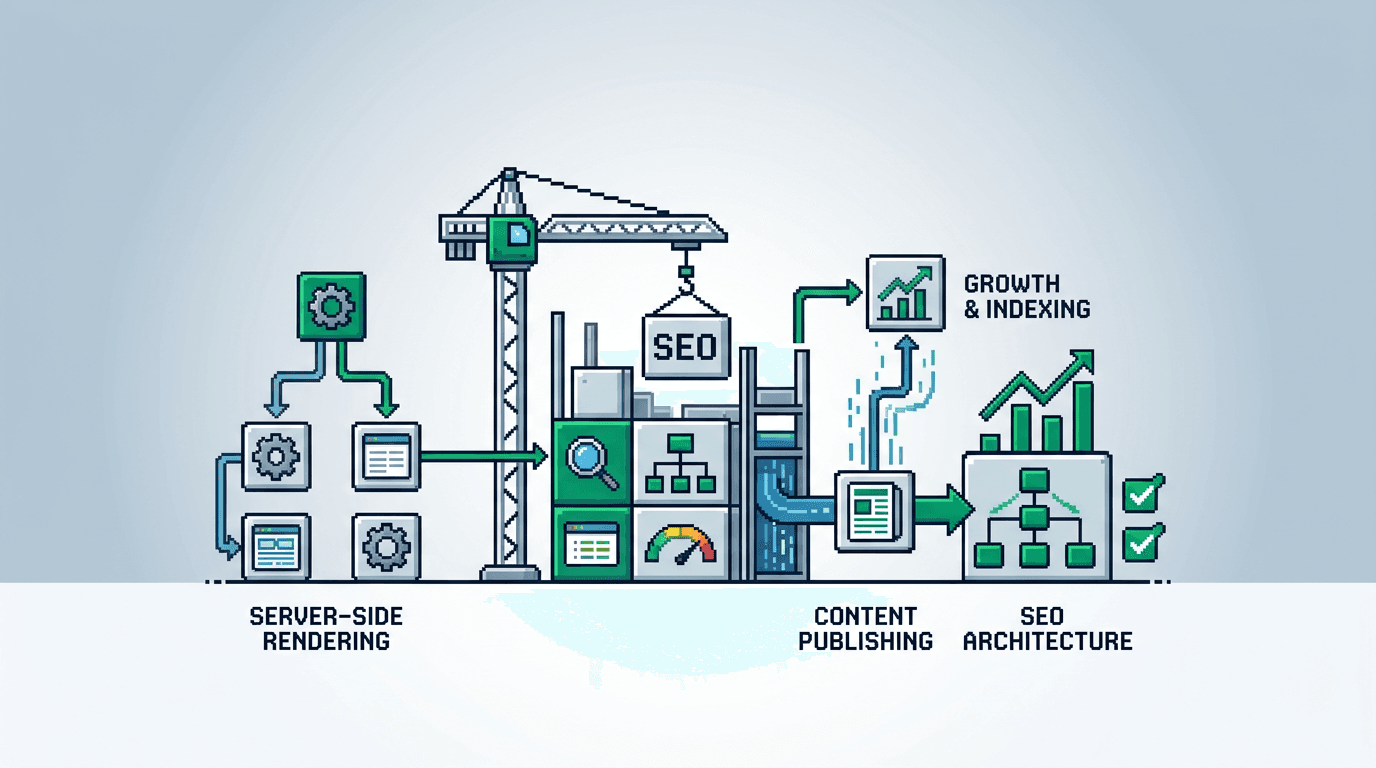
Ship pages fast, keep quality high, and make search scalable. That is the goal of SEO architecture in SSR React.
This guide shows product teams how to design SEO architecture for SSR React apps. It covers data models, templates, routing, metadata, programmatic pages, QA gates, automation workflows, distribution loops, and experiment loops. The key takeaway: treat SEO as a system with clear inputs, repeatable pipelines, and measurable outputs.
What SEO Architecture Means in SSR React
SEO architecture defines how content becomes crawlable, consistent, and measurable at scale. In SSR React, server side rendering lets search engines see full HTML on first request.
Core objectives
- Make pages crawlable, fast, and stable on first paint.
- Enforce consistent metadata and internal links at scale.
- Turn datasets into programmatic pages with quality controls.
- Instrument every page for queries, clicks, and conversions.
System boundaries
- Inputs: content data, taxonomy, component library, route config.
- Process: SSR render, metadata assembly, link graph, QA.
- Outputs: HTML pages, sitemaps, logs, analytics events.
Choose the Primary Keyword and Intent
Your architecture should target a primary keyword per template. For this post, we target SEO architecture.
Map intent to templates
- Informational queries map to guides or docs templates.
- Transactional queries map to feature or pricing templates.
- Navigational queries map to brand and integration index templates.
Acceptance checks
- Each template has a clear target query pattern.
- Canonical tags reflect the template root or specific instance.
- Title and H1 align with intent and match query language.
Data Models for Programmatic SEO
Programmatic SEO turns structured data into many consistent pages. Define models first, then templates.
Define entities and relationships
- Entities: product, feature, integration, location, use case.
- Relationships: product has many features; integration maps to providers; location maps to city, state, country.
Required fields per entity
- Slug, title, summary, body, primary keyword, search intent.
- Taxonomy: tags, categories, parent entity.
- SEO: meta title pattern, meta description pattern, canonical, robots.
- Links: related pages, breadcrumbs, CTAs.
Template System and Routing Strategy
Templates convert data into HTML. Routing defines discoverability and internal relevance.
Template patterns
- Detail template: one entity per page, rich content, FAQs, CTAs.
- Index template: lists entities with filters and schema markup.
- Comparison template: two entities with pros, cons, and fit.
Routing rules
- Stable, human readable slugs: /integrations/slack, /features/alerts.
- Consistent depth: avoid deep nesting beyond 3 segments.
- Use canonicalization for variants and filtered states.
SSR Rendering and Performance Budgets
SSR must ship complete HTML with accurate metadata in <head>. Set budgets to avoid regressions.
Rendering checklist
- Render full content server side for primary templates.
- Hydrate progressively; defer non critical widgets.
- Include hreflang, canonical, and structured data in SSR.
Performance budgets
- LCP under 2.5s on 3G simulated, CLS under 0.1, TBT under 200ms.
- HTML payload under 80KB, critical CSS inlined under 20KB.
- Image placeholders and width/height attributes on SSR.
Metadata, Canonicals, and Structured Data
Consistent metadata protects against duplication and helps ranking.
Metadata assembly
- Title pattern: {{entity}} for {{use case}} | {{brand}}.
- Description pattern: 140 to 160 chars with unique value.
- Open Graph and Twitter tags from the same source of truth.
Structured data
- Use ItemList on index templates with positional links.
- Use Product or SoftwareApplication where appropriate.
- Validate with schema testing and add to CI checks.
Internal Linking and Navigation Graph
Links transfer context and authority. Design a predictable link graph.
Link rules
- Each detail page links to its parent index and two siblings.
- Index pages link to top 10 detail pages by demand score.
- Add related links using shared taxonomy and user intent.
Breadcrumbs and sitemaps
- Render breadcrumb schema via JSON LD.
- Generate sitemap index and child sitemaps per entity type.
- Refresh sitemaps on publish and ping search engines.
Automation Workflows That Remove Bottlenecks
Manual edits do not scale. Automate metadata, sitemaps, and QA.
Pipeline overview
1) Author updates content in CMS or repo.
2) CI validates schema, slugs, and meta length.
3) Build step compiles templates and prerenders pages.
4) Post deploy job updates sitemaps and pings.
5) Analytics events confirm render and route health.
Automation tasks
- Generate meta titles and descriptions from patterns.
- Create internal link blocks using taxonomy and thresholds.
- Auto create comparison pages for popular pairs with guardrails.
QA Gates and Acceptance Criteria
Prevent low quality pages from shipping. Block on errors, warn on risks.
Pre merge checks
- Slug uniqueness and length under 80 chars.
- Title exists and under 60 chars, description 140 to 160 chars.
- No orphan pages; at least 3 inbound links from related pages.
Post deploy monitors
- 200 status for all critical routes; 404 rate under 0.5 percent.
- Rendered title equals source; canonical equals expected.
- LCP p75 under budget across top templates.
Experiment Loops for Continuous Gains
Run structured tests. Measure real impact beyond rank positions.
Test design
- Hypothesis: template change improves CTR or conversion.
- Split by entity cohorts to avoid cross contamination.
- Duration: minimum 2 cycles of traffic variability.
Metrics and guardrails
- Primary: CTR from search, qualified signups, revenue per visit.
- Guardrails: bounce rate, time to first interaction, CLS.
- Stop conditions: negative guardrails or insufficient power.
Distribution Loops After Publish
Distribution compounds reach while search ramps up. Automate push and feedback.
Core loop
- Slice the flagship post into snippets for social and email.
- Submit to relevant communities with clear value.
- Collect engagement signals and feed back into titles and intros.
Distribution automation
- Use templates to auto generate 5 to 10 snippets per post.
- Schedule across channels with spaced repetition.
- Track UTM performance and recycle top performers.
Tooling Stack and Ownership
Assign owners and choose tools that integrate. Reduce hops and handoffs.
Roles
- SEO architect: defines data models and link graph.
- Frontend lead: templates, SSR performance, hydration.
- Content ops: taxonomy, briefs, publishing SLAs.
Tools
- CMS with schema enforcement or a headless store.
- Git, CI, and Lighthouse CI in the pipeline.
- Analytics, Search Console, and log analysis.
Example Blueprint: Integrations Library
A practical example shows how the pieces connect.
Inputs
- Dataset: 150 integrations with provider name, category, features.
- Fields: slug, title, summary, pros, cons, FAQs, competitors.
- Taxonomy: categories, tags, supported plans, regions.
Process
- Templates: index by category, provider detail, comparisons.
- Metadata patterns set with fallbacks per provider.
- Internal links: category to top providers; providers to comparisons.
Outputs
- SSR HTML for index, detail, comparison pages.
- Sitemaps per category and per letter range.
- Analytics events tracking CTR, demo starts, trials.
Guardrails for Programmatic SEO at Scale
Programmatic SEO can flood your site with thin pages if unguarded.
Quality thresholds
- Minimum word count or content blocks per detail page.
- At least three unique value elements: examples, code, images.
- Unique title and description; duplication rate under 5 percent.
De index rules
- Add noindex to pages below thresholds until improved.
- Exclude from sitemaps to reduce crawl waste.
- Review weekly and promote when fixed.
Monitoring and Ongoing Maintenance
Set a cadence and dashboards. Treat SEO as a live system.
Dashboards
- Crawl health: errors, redirects, response times.
- Coverage: indexed pages, impressions by template.
- Performance: LCP, CLS by route, Core Web Vitals trends.
Review rhythm
- Weekly: QA exceptions, new pages, broken links.
- Biweekly: experiment results and next tests.
- Monthly: content backlog and distribution winners.
Vendor Options Compared
Choose a stack that suits team skill and budget. The table compares typical options.
Here is a compact comparison of SSR React friendly options.
| Option | Rendering | Data source | Strengths | Constraints |
|---|---|---|---|---|
| Next.js + Headless CMS | SSR/SSG | CMS API | Fast, flexible, rich ecosystem | Requires dev ownership |
| Remix + CMS | SSR | CMS API | Progressive enhancements, good routing | Smaller ecosystem |
| Gatsby + CMS | SSG/DSG | CMS GraphQL | Strong build time optimizations | Longer builds at scale |
| Next.js + Files | SSR/SSG | Markdown/MDX | Simple for docs, version control | Limited programmatic scale |
Rollout Plan in 30 to 60 Days
Ship in phases to reduce risk. Validate each stage with gates.
Days 1 to 15
- Define entities, fields, and taxonomy in CMS or schema.
- Build base templates and SSR metadata module.
- Set CI checks for titles, descriptions, and slugs.
Days 16 to 30
- Implement index and detail pages for one entity.
- Wire internal linking rules and breadcrumbs.
- Launch sitemaps and monitoring dashboards.
Days 31 to 60
- Add comparison templates and automation tasks.
- Start experiment and distribution loops.
- Scale to additional entities with quality thresholds.
Common Failure Modes and Rollbacks
Expect failures and prepare safe exits.
Failure modes
- Thin content pages flood the index and drag averages.
- Canonical errors split signals across duplicates.
- Performance regressions slow the crawl and users.
Rollbacks
- Toggle noindex and remove from sitemaps promptly.
- Revert template change via feature flag and redeploy.
- Restore prior metadata patterns from version control.
Key Takeaways
- Treat SEO architecture as a system with inputs, pipelines, and outputs.
- Use SSR templates, metadata patterns, and link rules to scale quality.
- Automate QA gates, sitemaps, and distribution to remove bottlenecks.
- Run experiment loops with clear metrics and guardrails.
- Review dashboards on a set cadence and ship in small, safe steps.
Build the system once, then let it compound with every new page and iteration.