
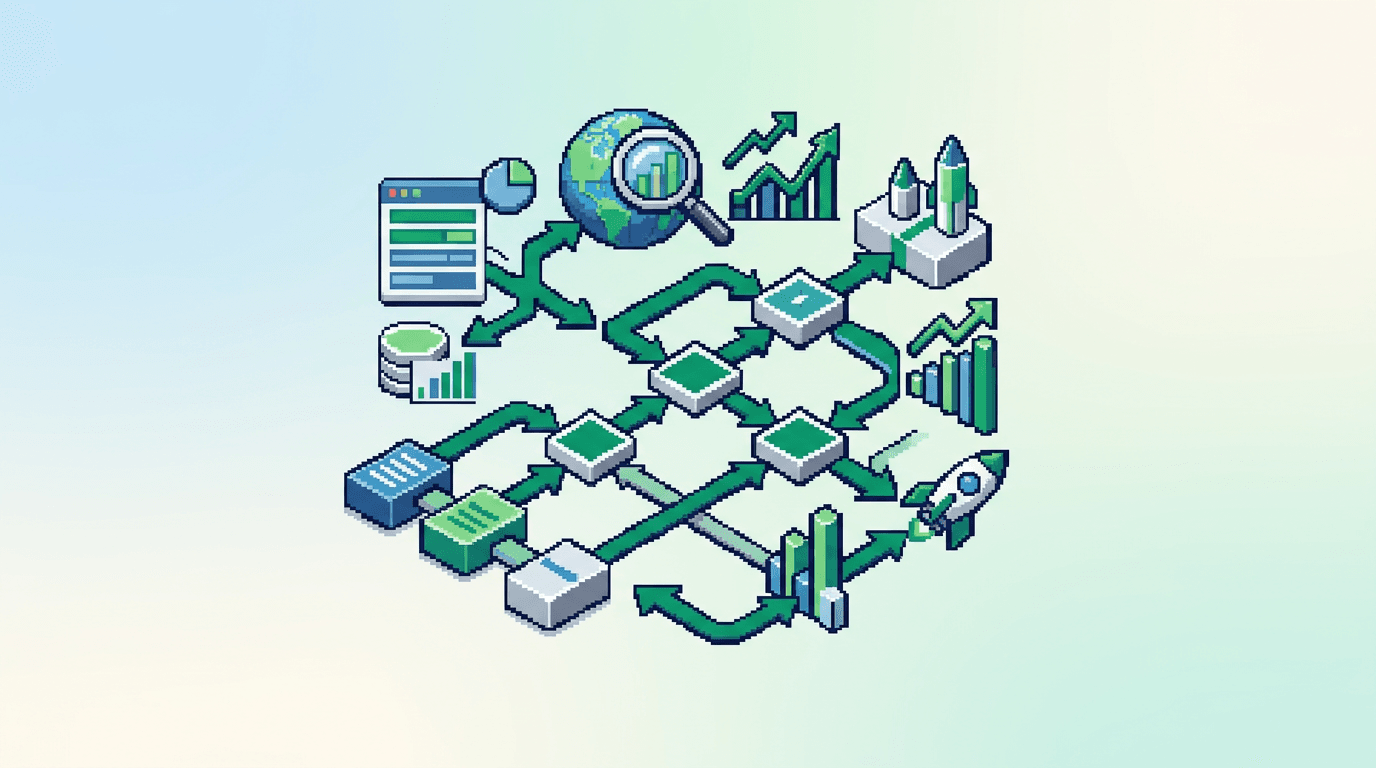
Growth teams stall when handoffs, spreadsheets, and approvals slow the loop. Automation workflows remove wait time and ship faster.
This guide shows growth operators and technical marketers how to design automation workflows that connect data, SEO programs, distribution, and experiment loops. You will learn a practical system with inputs, steps, tools, QA gates, and metrics. Key takeaway: design small, observable automations that compound into a reliable growth pipeline.
What Are Automation Workflows in Growth
Growth automation workflows are triggered sequences that move data and content through defined steps to reach a measurable outcome.
Core properties
- Trigger based: events, schedules, or API calls start the flow.
- Deterministic: clear inputs, rules, and outputs.
- Observable: logs, metrics, and alerts at each step.
- Reversible: rollbacks for bad states.
Why they matter for growth teams
- Reduce manual bottlenecks across SEO, content, and analytics.
- Increase throughput and consistency with fewer errors.
- Create a repeatable framework to scale proven tactics.
Choose the Right Primary Outcome
Start with one high value outcome. Make it specific and testable.
Example outcomes to anchor
- Publish 50 programmatic SEO pages with valid metadata each week.
- Ship a distribution loop for each flagship article within 48 hours.
- Log every experiment event with attribution within one hour of trigger.
Acceptance checks
- Time bound SLA per workflow stage.
- Data quality gates with simple pass or fail rules.
- Clear owner for each step.
Automation Workflows: Design Blueprint
Use this minimal blueprint for any growth workflow.
Inputs
- Source data: product catalog, docs, CRM, analytics.
- Triggers: cron, webhook, commit to main, Notion status change.
- Constraints: API rate limits, content review policies, brand rules.
Process
1) Normalize data to a stable schema.
2) Generate artifacts with templates.
3) Validate with QA gates.
4) Ship to target channels.
5) Observe with logs and metrics.
6) Roll back on failure.
Outputs
- Published assets with IDs and permalinks.
- Metrics: latency, error rate, throughput, impact.
- Audit trail: commits, PRs, job runs, and approvals.
Plan the Stack and Ownership
Tools should be boring, observable, and scriptable. Map owners to steps.
Suggested stack by layer
- Orchestration: GitHub Actions, Airflow, n8n.
- Data and transforms: dbt, Python, Node.
- Content generation: SSR templates, Markdown, CMS APIs.
- QA: schema validators, link checkers, lighthouse CI.
- Distribution: Buffer, Zapier, native APIs.
- Analytics: GA4, BigQuery, PostHog, Looker Studio.
RACI pattern
- Responsible: builds and runs the workflow.
- Accountable: signs off on output quality.
- Consulted: brand, product marketing, legal.
- Informed: sales, success, exec.
Build an Automation Workflow for Programmatic SEO
Primary keyword: automation workflows. We apply it to programmatic SEO for technical SEO for product teams.
System goal
Ship programmatic pages with stable metadata, valid links, and fresh content daily.
Data model
- Entities: Topic, Template, SourceRecord, Page, Release.
- Fields: slug, title, h1, meta description, canonical, updatedAt, status.
Steps
1) Ingest: fetch source data to a staging table.
2) Validate: required fields present and unique.
3) Generate: render SSR React templates to HTML.
4) Enrich: build internal links, FAQs, and related items.
5) Test: run link check, Lighthouse, schema validators.
6) Publish: deploy via CI to production.
7) Observe: write run logs, page IDs, metrics.
Example pseudo ops
- Ingest
- python ingest.py --source=notion --out=staging/source_records.parquet
- Validate
- python validate.py --in=staging --rules=rules.yml
- Generate
- node render.js --template=topic --in=staging --out=build/html
- Test
- npm run test:links && npm run test:lighthouse
- Publish
- gh workflow run deploy.yml
QA gates
- Unique canonical per page.
- Title 45 to 60 chars. Description 140 to 160 chars.
- CLS < 0.1, LCP < 2.5s on median test.
- 0 broken internal links. 0 5xx on fetch.
SEO Architecture That Supports Automation
Automation works when the architecture is stable and predictable.
URL and template strategy
- Stable route patterns: /guides/{topic}/, /compare/{x}-vs-{y}/.
- Template per intent type: guide, comparison, glossary.
- Avoid one off exceptions that break the pipeline.
Metadata and schema
- Generate titles and descriptions from fields with safety ranges.
- Add Article, BreadcrumbList, and FAQPage where valid.
- Store lastModified and changefreq for sitemaps.
SSR React considerations
- Server side render primary content.
- Hydrate only interactive components.
- Precompute critical CSS to improve LCP.
Distribution Loops After Publish
Publishing is half the loop. Automate distribution to capture early signals.
Triggered distribution sequence
1) On publish, post to Slack with link and tags.
2) Create 5 snippets for social with UTM params.
3) Queue LinkedIn and Twitter across 2 weeks.
4) Send internal enablement note with TLDR and CTA.
5) Append the asset to a newsletter candidate list.
Snippet generation pattern
- Pull two quotes, one stat, one takeaway, one CTA.
- Map snippet to persona and channel.
- Include canonical link and tracking.
Distribution QA
- Check UTM format: utm_source, utm_medium, utm_campaign.
- Ensure image alt text and open graph tags exist.
- Verify short links resolve and count clicks.
Experiment Loops and Measurement
Close the loop weekly. Make experiments cheap and conclusive.
Minimal experiment design
- Hypothesis: small, directional, time bound.
- Variant: change one variable per test.
- Metric: single primary KPI with guardrails.
Example metrics by stage
- Generation: build success rate, render time, duplicate pages.
- SEO: index coverage, impressions, clicks, CTR by template.
- Distribution: click through rate, saves, referral traffic.
- Conversion: assisted signups, demo requests from organic.
Review cadence
- Daily: pipeline health checks.
- Weekly: template performance and backlog grooming.
- Monthly: roadmap reset based on winners and dead ends.
Failure Modes and Rollbacks
Design rollbacks up front. Treat failures as normal.
Common failure modes
- Source schema changes break renders.
- Rate limits stall API calls.
- Link graph creates loops or orphan pages.
- Low quality descriptions trigger title rewrites.
Rollback patterns
- Feature flag new templates off by default.
- Keep last known good sitemap and deploy on failure.
- Backfill previous metadata from snapshots.
- Pause distribution on non 200 pages.
Security, Compliance, and Workflow Hygiene
Protect keys, content integrity, and audit trails.
Controls to implement
- Principle of least privilege on service accounts.
- Secrets in a vault with rotation and scope per env.
- Signed commits and protected branches on main.
- Content approvals logged with timestamps and owners.
Audit logging
- Store job runs, inputs, hashes, and outputs for 90 days.
- Emit structured logs with request IDs.
- Alert on anomaly spikes in error rates.
Hiring and Collaboration Patterns
Align roles to the pipeline. Reduce context switching.
Core roles
- Growth engineer: builds pipelines and tests.
- Technical SEO: defines templates, metadata, and QA.
- Content operator: curates sources and edits outputs.
- Analyst: owns metrics, dashboards, and reviews.
Collaboration rituals
- Weekly working session with live dashboards.
- PR templates that include acceptance checks.
- Postmortems on failed runs with action items.
Example 30 Day Plan to Ship Your First Workflow
This sequence gets you from zero to a live pipeline.
Week 1: scope and spike
- Pick one outcome and one template.
- Map fields and write a basic data model.
- Prototype render and validate locally.
Week 2: build and test
- Implement ingest and normalize steps.
- Add schema and link QA.
- Deploy to staging and run daily.
Week 3: publish and distribute
- Enable production deploy with feature flag.
- Configure distribution triggers and snippets.
- Monitor logs and fix top errors.
Week 4: measure and iterate
- Review performance by template.
- Add one experiment and one enrichment.
- Document runbook and handoff plan.
Tools Comparison for Common Growth Automations
Use this quick table to select by need and capability.
Here is a concise comparison of common tools across orchestration and content tasks.
| Tool | Category | Best for | Strengths | Constraints |
|---|---|---|---|---|
| GitHub Actions | Orchestration | Code based pipelines | Native to repos, PR checks | Limited UI, secrets management needed |
| Airflow | Orchestration | Complex DAGs | Scheduling, retries, observability | Higher ops overhead |
| n8n | Orchestration | No code connectors | Visual flows, self host | Can sprawl without version control |
| dbt | Transform | SQL models | Testing, lineage | SQL only, not for scraping |
| Zapier | Connectors | SaaS to SaaS | Fast setup | Cost at scale, rate limits |
| Buffer | Distribution | Social queues | Scheduling, team approvals | Analytics depth limited |
Governance and Documentation
Documentation reduces rework and onboarding time.
Artifacts to keep updated
- Workflow PRD with goal, KPI, and scope.
- Field dictionary with ranges and defaults.
- Runbook with failure modes and rollbacks.
- Dashboard links and SLAs per step.
Review cadence
- Quarterly audit of templates and QA rules.
- Monthly refresh of distribution snippets.
- Weekly triage of error logs and flakey tests.
Key Takeaways
- Start with one outcome and one template. Ship a small, observable workflow.
- Use clear QA gates, logs, and rollbacks to keep trust high.
- Pair programmatic SEO, distribution loops, and experiment loops in one system.
- Keep the stack boring, scriptable, and owned by named roles.
- Review weekly and promote only what proves impact.
Small wins compound. Build one reliable workflow, then clone it across channels and intents.