
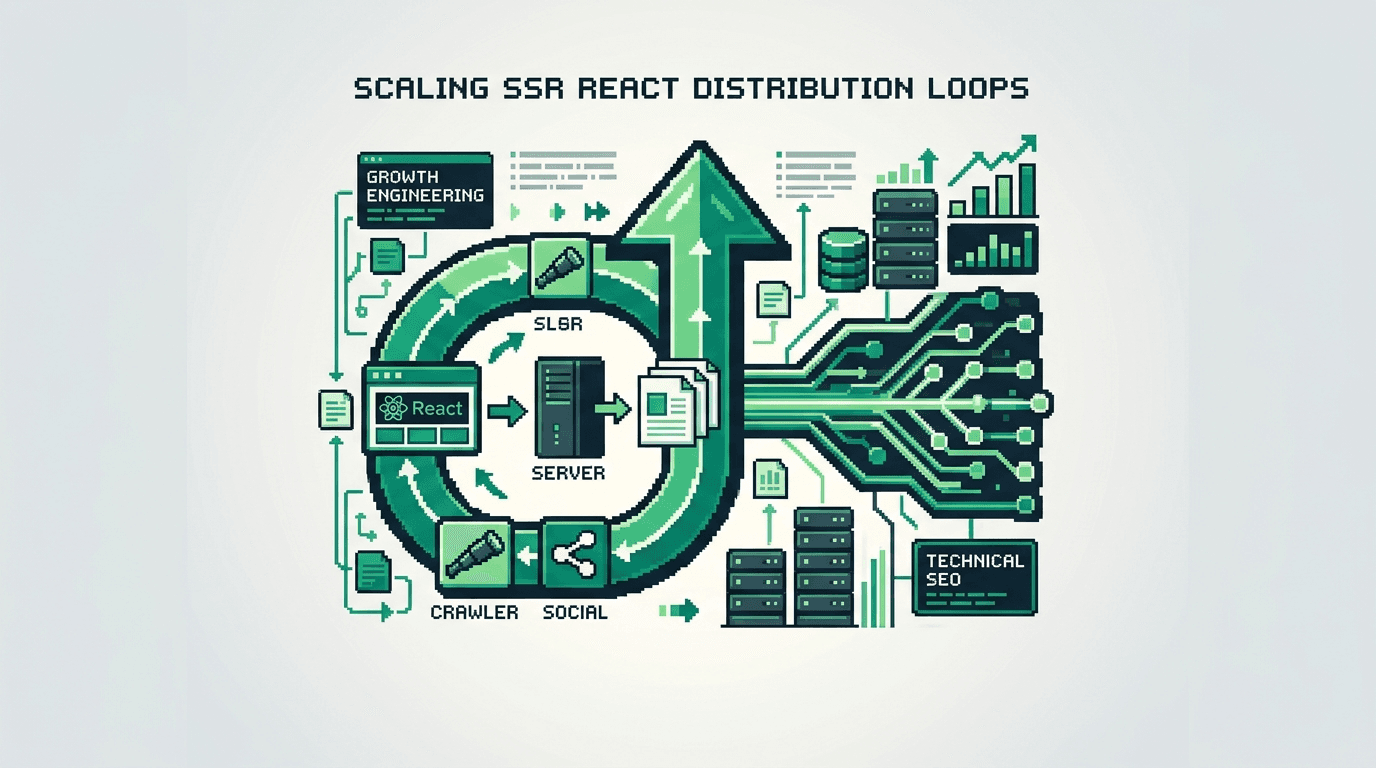
Turn one strong piece of content into a steady traffic engine. The lever is a distribution loop that ships, measures, and iterates on a fixed cadence.
This guide shows product operators and technical growth teams how to build repeatable distribution loops for SSR React sites. You will set owners, automate steps, wire metrics, and add QA gates. The key takeaway: systemize distribution so every new post triggers the same high quality loop without manual bottlenecks.
What is a distribution loop and why it matters
A distribution loop is a repeatable workflow that publishes, repackages, and promotes content across channels on a schedule. It captures feedback and updates the source asset.
A good loop compounds reach. It cuts handoffs, enforces quality, and creates learning cycles. For SSR React sites, the loop also aligns with build and deploy events.
Core properties of a loop
- Triggered by an event, like merge to main or CMS publish
- Predictable steps with owners and SLAs
- Automated where possible, logged where not
- Instrumented with clear metrics
- Includes feedback capture and update steps
Anti patterns to avoid
- One off blasts with no follow up
- Manual copy paste across channels
- Undefined owners and shifting deadlines
- No UTM hygiene or tracking gaps
Choose distribution loops as your primary workflow
Your goal is scale with quality. Program the loop once, then reuse it for each asset. Start with one flagship loop and extend.
Define the primary keyword and message map
Pick a primary keyword early. For this article, the primary keyword is distribution loops. Build a message map with the core angle, target audience, and CTA. Keep one line versions for short snippets.
Set constraints and acceptance criteria
- Time to first publish under 24 hours post merge
- At least 5 derivative assets live per post
- UTM coverage on 100 percent of outbound links
- Snapshot metrics logged within 72 hours and 14 days
Architecture for SSR React sites
SSR React introduces build, cache, and routing specifics. Align the loop with your deploy pipeline.
Map triggers to your repo and CMS
- Code trigger: PR merged to main updates routes or templates
- CMS trigger: new or updated post hits published state
- Cron trigger: weekly re surfacing of evergreen posts
Expose metadata for automation
Ensure the site outputs structured data and shareable metadata.
- Open Graph and Twitter meta tags
- JSON LD Article schema
- Canonical URL
- Reading time, tags, and topic for snippet generation
System design blueprint
Inputs, process, and outputs define the loop. Keep it simple, then harden.
Inputs
- Source asset: canonical URL, title, summary, key points
- Channels: email, LinkedIn, X, community, dev forums, partner newsletter
- Templates: snippet patterns, cover image variants, UTM templates
Process
1) Detect publish event.
2) Generate snippets and images.
3) Stage a schedule across channels.
4) Launch, track, and log.
5) Collect feedback and update the post.
Outputs
- Published derivatives with UTM tagged links
- Dashboard entries and snapshots
- PR or CMS updates from learnings
Owners, tools, and SLAs
Assign clear ownership. Keep tool count minimal. Define SLAs per step.
Roles
- Operator: runs the loop and resolves blockers
- Content lead: signs off on voice and message
- Engineer: maintains scripts and CI
- Analyst: checks data quality and insights
Tools
- Repo: GitHub with Actions
- CMS: headless or MDX
- Scheduler: Buffer or native APIs
- Design: Figma or SVG template script
- Data: GA4, GSC, and link shortener logs
Automation workflows that cut manual work
Automate anything repeatable. Keep human review on voice and accuracy.
Event detection and job kickoff
- Webhook from CMS publish to queue a job
- GitHub Action on push to main for content folder
- Cron job for evergreen resurfacing
Snippet generation and asset prep
- Use a prompt template to generate 5 snippets from the source outline
- Render social images from a template with title and brand
- Build a UTM matrix by channel and post intent
Example CI pipeline for a distribution loop
Wire a simple CI to orchestrate generation, scheduling, and logging.
GitHub Actions pseudo workflow
- on: push to main in /content
- jobs:
- extract frontmatter and key points
- call snippet API with prompt template
- render images via node script
- create schedule payloads with UTMs
- open review PR for copy approval
- on approve, hit channel APIs and write to a log
Acceptance checks in CI
- Fails if title or canonical missing
- Fails if fewer than 5 snippets generated
- Fails if UTM params absent on outbound links
Channel playbooks and laddering
Start with a base set of channels. Ladder into deeper placements once base performance is consistent.
Core channels and cadence
- Email: ship within 24 hours with 1 story and 1 CTA
- LinkedIn: 2 posts in week one, 1 follow up in week two
- X: 1 thread on day one, 2 singles on days two and five
- Community: 1 post where the audience is active
Laddering into partner and long tail
- Partners: pitch a co mention newsletter blurb with a unique angle
- Forums: share a technical snippet with a code example
UTM hygiene and tracking
UTMs enable attribution and iteration. Enforce a strict pattern.
UTM pattern
- utm_source: channel name
- utm_medium: social, email, community
- utm_campaign: post slug
- utm_content: variant id like v1, v2, hero, quote
Link shorteners and redirects
- Use branded domains for trust
- Map short links to canonical with UTMs
- Log click events to a warehouse table
Metrics and dashboards
Measure leading and lagging indicators. Review on a fixed cadence.
Leading indicators
- Clicks by snippet within 72 hours
- CTR per channel post
- Save or reshare counts
Lagging indicators
- Organic impressions in 14 to 30 days
- Assisted signups from campaign
- Time on page and scroll depth
Feedback loop and content updates
Close the loop with edits and re promotion when you see signal.
Snippet level learnings
- Promote frames with higher CTR and pause low performers
- Update image styles if scroll stops improve
Source article improvements
- Add a missing example based on comments
- Adjust H2 order if readers stall mid page
QA gates and failure modes
Bake failure detection into the system. Add rollbacks.
Common failure modes
- Snippets publish with broken links
- Duplicate posts stack in a channel
- Visuals crop poorly on mobile
QA gates and rollbacks
- Dry run preview in a staging channel
- Abort publish if link checker fails
- Rollback by unpublishing and replacing with corrected post
Example weekly operating cadence
Set a realistic drumbeat. Meet once to review and unblock.
Cadence
- Monday: select primary post, confirm message map
- Tuesday: generate derivatives, collect approvals
- Wednesday: launch first wave
- Friday: review leading metrics and comments
Review meeting agenda
- Wins and failures
- Snippet CTR top and bottom three
- Fixes to apply in next cycle
Comparing scheduling options
Pick a scheduler that fits your channels and review style.
Here is a quick comparison of three common approaches.
| Option | Pros | Cons | Best for | Notes |
|---|---|---|---|---|
| Native APIs | Fine control and no extra cost | More engineering effort | Teams with dev support | Build retries and rate limit handling |
| SaaS scheduler | Fast setup and calendars | Limited custom fields | Small teams | Check UTM templating support |
| Hybrid | Flexibility and coverage | Two sources of truth risk | Growing teams | Sync logs to one warehouse table |
Programmatic SEO alignment
Distribution loops should support programmatic SEO, not fight it.
Template aware snippets
- Include parameterized entities from the page template
- Generate variants by entity type for scale
Search architecture signals
- Promote internal pages to shape crawl paths
- Link to hub pages to reinforce topical clusters
Governance, docs, and training
Document the loop so anyone can run it. Keep changes auditable.
Docs to maintain
- Message map templates
- Snippet prompts and examples
- UTM policy and channel list
- Runbook for failures and rollbacks
Training play
- Onboard with a sandbox post
- Shadow one full cycle
- Run solo with checklist
Minimal blueprint to launch in 7 days
Cut scope, ship the core, then improve.
Day by day plan
- Day 1: pick post, define message map, set UTMs
- Day 2: wire CMS webhook and repo action
- Day 3: write snippet and image templates
- Day 4: build scheduling payloads and dry run
- Day 5: ship first wave, log metrics
- Day 6: review and patch failures
- Day 7: document and lock v1
Success criteria
- One post distributed across 4 channels
- 5 snippets approved and published
- Metrics dashboard live with 72 hour snapshot
Key Takeaways
- Build one distribution loop that triggers on publish events and runs end to end.
- Automate snippet generation, UTMs, and scheduling with clear QA gates.
- Track leading indicators in 72 hours and update the source post.
- Align loops with programmatic SEO and SSR React build events.
- Document owners, SLAs, and rollbacks to reduce variance.
Ship a small, reliable loop first. Then scale channels and assets once the system proves repeatable.