
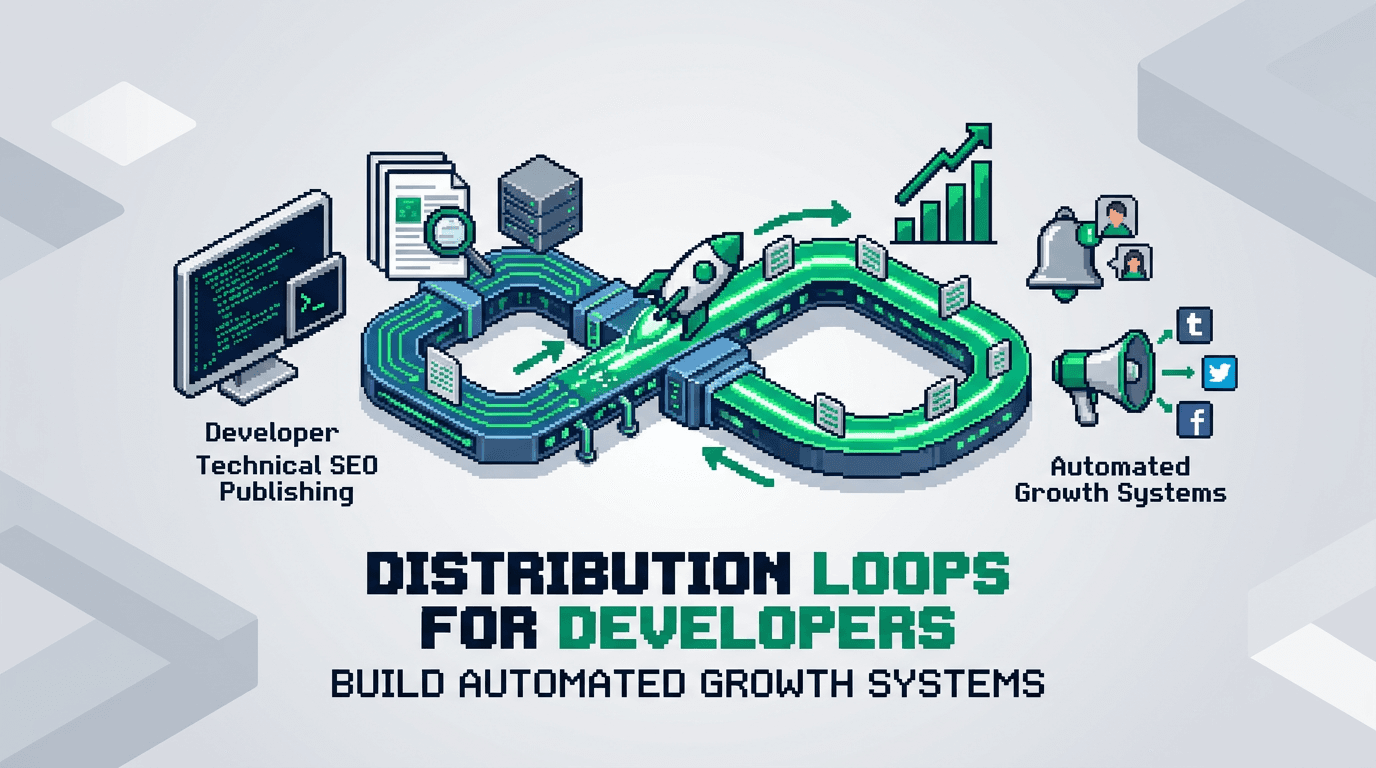
Every repeatable spike you create but do not automate is a cost you carry next quarter. Distribution loops turn one win into a compounding system.
This guide shows developers and product operators how to design, implement, and monitor distribution loops that scale with minimal toil. You will map triggers, automate packaging, select channels, tie feedback to product signals, and measure the loop with clear guardrails. Key takeaway: small, durable automations beat big one-off launches.
What a Distribution Loop Is and Why It Compounds
A distribution loop is a closed system that turns product or content activity into outbound reach, which returns qualified demand or signals, which then fuel more activity. Unlike a one-time campaign, a loop self-propels as inputs increase.
Core characteristics
- Trigger driven: starts from product or content events.
- Deterministic packaging: creates a shareable unit with stable structure.
- Multi channel dispatch: ships to channels that convert.
- Feedback capture: routes signals back to product and editorial.
- Measurable: loop health visible in one dashboard.
Loop vs campaign
- Campaigns push once. Loops push whenever triggers fire.
- Campaigns decay. Loops compound with inventory growth.
- Campaigns need manual coordination. Loops run on automation workflows.
Use cases you can ship this quarter
- Programmatic SEO pages that post a weekly delta summary to community and email.
- Changelog events that auto create social snippets and docs updates.
- Dataset updates that trigger partner webhooks and PRs in example repos.
System Design Blueprint
You will design the loop before touching tools. Keep the spec short and testable.
Inputs
- Event sources: content published, feature released, metric crossed, dataset updated.
- Inventory: canonical pages, code examples, templates, benchmarks.
- Attribution: UTM plan and ref tags per channel.
Process
- Validate event with rules.
- Normalize payload to a schema.
- Package assets for each channel.
- Queue dispatch with rate limits and windows.
Outputs
- Delivered posts, emails, PRs, and partner pings.
- Clicks, signups, trials, repo stars, and replies.
- Feedback payloads for next cycle.
Constraints and guardrails
- Max posts per channel per day.
- Suppress low value events by score.
- Require editorial checks on sensitive topics.
Architecture for Technical Teams
Technical products benefit from clear interfaces. Use strong contracts and a single orchestrator.
Event and payload schema
Define one JSON schema that every event must satisfy. Include id, source, timestamp, entity, title, summary, url, tags, stage, and sensitivity level.
Orchestration layer
- Use a queue and worker model. Example: Pub/Sub or SQS feeding a worker service.
- Workers map events to playbooks. Each playbook packages and dispatches.
- Store run logs with correlation ids for traceability.
Storage and state
- Event log: append only. Use BigQuery or ClickHouse for analytics.
- Run state: Redis for dedupe and rate limiting.
- Asset store: S3 or GCS for images and snapshots.
Security and compliance
- Separate staging and production queues.
- Mask PII in payloads by default.
- Version playbooks and require code review.
Programmatic SEO as a Distribution Engine
Programmatic SEO is both a demand generator and a reliable trigger source.
Inventory model
- Template types: comparisons, integrations, alternatives, calculators, benchmarks.
- Data sources: internal telemetry, docs, public datasets, crowdsourced inputs.
- Canonicalization: one slug per entity with dedupe rules.
Triggers to use
- New entity published.
- Entity refreshed due to data change.
- Threshold crossed, like price shift or performance delta.
Packaging rules
- Summary: 130 to 160 chars, plain language, no claims you cannot support.
- Excerpt: 1 to 2 sentences, include one primary metric.
- CTA: match funnel stage. Top of funnel goes to guides. Mid funnel goes to demo or repo.
Distribution channels
- Email digest: weekly delta of new and updated entities.
- Community: targeted threads per segment with value first, link second.
- Social: snippets that highlight the insight, not the brand.
- Partners: webhook to integration partners when their entity updates.
SSR React SEO Architecture That Feeds the Loop
SSR React supports fast rendering and stable metadata, which improves discovery and provides clean assets for distribution.
Page rendering
- Use Next.js or Remix with server components for speed.
- Prefetch critical data server side. Cache with stale while revalidate.
- Generate OG images server side for each entity.
Metadata and structured data
- Stable title and meta description templates per type.
- JSON LD for Article, Product, or Dataset as applicable.
- Canonicals and alternate tags for locale and pagination.
Automation hooks
- On publish, emit an event with the entity id and URLs.
- On data update, emit refresh events with diff summary.
- On rollback, emit a correction event to retract or update distributed posts.
Automation Workflows and Playbooks
Make automation explicit. Each playbook defines inputs, steps, owners, tools, and metrics.
Playbook 1: New comparison page
- Trigger: page published.
- Steps: generate summary, create OG, queue social and community posts, add to email digest.
- Owner: growth engineering.
- Tools: Next.js, queue, templates, image renderer.
- Metrics: clicks, time on page, assisted signups.
Playbook 2: Feature release changelog
- Trigger: release tagged in main branch.
- Steps: parse commit scope, draft notes, create docs PR, craft tweet thread, notify partners.
- Owner: dev rel.
- Tools: GitHub Actions, docs site, templater.
- Metrics: doc visits, repo stars, partner mentions.
Playbook 3: Dataset threshold alert
- Trigger: metric crosses threshold.
- Steps: compose alert card, post to community, email segment, update benchmark page.
- Owner: product analytics.
- Tools: warehouse, scheduler, renderer.
- Metrics: replies, benchmark traffic, demo requests.
Failure modes and rollbacks
- Bad data: auto quarantine event, alert owner, require manual approval.
- Channel spam: back off with exponential delay and cap per day.
- Legal risk: flag sensitive tags for manual review.
Measurement and Loop Health
You can only compound what you can see. Make loop health a first class dashboard.
Core metrics
- Loop throughput: events processed per week.
- Yield: clicks or signups per event.
- Freshness: median time from trigger to dispatch.
- Coverage: percent of valid events that map to playbooks.
Diagnostic views
- By channel: conversion and lag by source.
- By playbook: yield per template and asset variant.
- By segment: audience fit and unsubscribe risk.
Acceptance checks
- Each playbook has target yield and a floor.
- If yield drops below floor for three days, auto pause and alert.
- Weekly review resets targets and tests new variants.
Experiment Loops to Improve Distribution Loops
Your loop improves through experiments. Avoid random tests. Run structured cycles.
Hypothesis design
- Change one input per test.
- Pre declare success metric and minimum detectable effect.
- Set sample windows by channel velocity.
Experiment templates
- Subject line variants on weekly digest.
- First image vs no image in social posts.
- CTA to repo vs CTA to demo for technical segments.
Review cadence
- Weekly: review results, ship winners to playbooks.
- Monthly: retire low yield channels.
- Quarterly: add or refactor templates based on inventory growth.
Tooling and Integration Options
Choose tools that match your stack and governance.
Orchestration choices
- Code first: Node service with workers. Full control, higher maintenance.
- Workflow engine: Temporal or Airflow. Strong observability, steeper learning.
- iPaaS: Zapier or n8n. Fast to start, limited scale and governance.
Content generation and QA
- Templating: handlebars or React email components.
- Language model: for first drafts with strict prompts and human review.
- QA: lint for length, links, claims, and banned words.
Data and analytics
- Warehouse: BigQuery or Snowflake with a single events table.
- BI: Looker or Metabase for loop health.
- Feature flags: LaunchDarkly to gate new playbooks.
Here is a quick comparison to help select an orchestration approach:
| Option | Control | Scale | Setup speed | Governance | Best for |
|---|---|---|---|---|---|
| Code first workers | High | High | Medium | High | Mature eng teams |
| Workflow engine | High | High | Low to medium | High | Complex loops |
| iPaaS | Low to medium | Medium | High | Low | Early stage teams |
Execution Playbook Template
Standardize how you ship a new loop. Keep this template in your repo.
Spec sections
- Goal: one sentence, measurable.
- Inputs: events and payload schema.
- Steps: numbered list with owners.
- Risks: data, legal, channel.
- Metrics: targets and floors.
- Rollback: how to pause and revert.
Example goal statement
Increase weekly qualified trials by 15 percent in 60 days via comparison page deltas posted to community and email.
Owner model
- DRI: growth engineer.
- Approver: product owner for the domain.
- Reviewers: editorial and legal.
Governance, Ethics, and Brand Safety
Automation without judgment creates risk. Build friction in the right places.
Guardrails to implement
- Manual approval on sensitive tags like security, pricing, or legal changes.
- Rate limiting per channel to avoid spam.
- Truth constraints that block unverifiable claims.
Data handling
- Strip PII from payloads by default.
- Store only event ids in public logs.
- Rotate keys and secrets quarterly.
Brand voice
- Keep tone pragmatic and helpful.
- Lead with value. Link second.
- Avoid competitive disparagement. Use facts.
Implementation Walkthrough in 14 Days
Ship a narrow loop fast. Expand after you see yield.
Days 1 to 3: Map and model
- Select one trigger. Example: new comparison page.
- Draft schema and playbook. Define floors and targets.
- Wire a staging queue and fake events.
Days 4 to 7: Build and test
- Implement workers and packaging templates.
- Add OG image generation.
- Ship to a private channel. Validate outputs.
Days 8 to 11: Pilot live
- Enable two public channels with rate limits.
- Review daily. Fix copy and links.
- Start the loop health dashboard.
Days 12 to 14: Measure and decide
- Compare yield to targets.
- If above floor, scale channels. If below, pause and revise.
- Document wins and errors.
Integrating Distribution Loops With Experiment Loops
Close the loop by routing outcomes into your backlog.
Signal routing
- High reply threads create new FAQ pages.
- Low yield topics go to deprecation queue.
- Repeated questions become product hints or docs tasks.
Backlog hygiene
- One owner merges results weekly.
- Archive tests after 30 days with a verdict.
- Keep a changelog in the repo for auditability.
Common Pitfalls and How to Avoid Them
Learn from frequent failures in early loops.
Pitfall 1: Over broad triggers
- Symptom: too much noise and channel fatigue.
- Fix: score events and set a floor. Require two signals.
Pitfall 2: Weak packaging
- Symptom: clicks without engagement.
- Fix: align the asset with a clear outcome. Tighten titles. Add a single CTA.
Pitfall 3: Missing feedback path
- Symptom: no improvement cycle.
- Fix: write outcomes to the warehouse and review weekly.
Pitfall 4: Tool sprawl
- Symptom: brittle flows and slow fixes.
- Fix: consolidate on one orchestrator. Version playbooks.
Governance Checklist Before You Scale
Use this checklist before adding channels or raising rates.
Readiness checks
- Dedupe and rate limit in place.
- Sensitive topics require approval.
- Dashboard shows throughput, yield, freshness, and coverage.
Data checks
- UTM plan active and tested.
- Event payloads validated against schema.
- PII masked in logs.
Process checks
- On call rotation for break fix.
- Weekly review on calendar.
- Rollback procedure tested in staging.
Key Takeaways
- Distribution loops turn events into compounding reach with automation.
- Programmatic SEO and SSR React provide reliable triggers and clean assets.
- Orchestrate with queues, schemas, and rate limits for safety and scale.
- Measure loop health with throughput, yield, freshness, and coverage.
- Improve with structured experiments and tight governance.
Ship a small loop this month. Let the system, not the team, carry the weight next quarter.