
High intent users will not wait for your page to resolve. Ship a fast, crawlable SSR React stack with clean data and predictable templates.
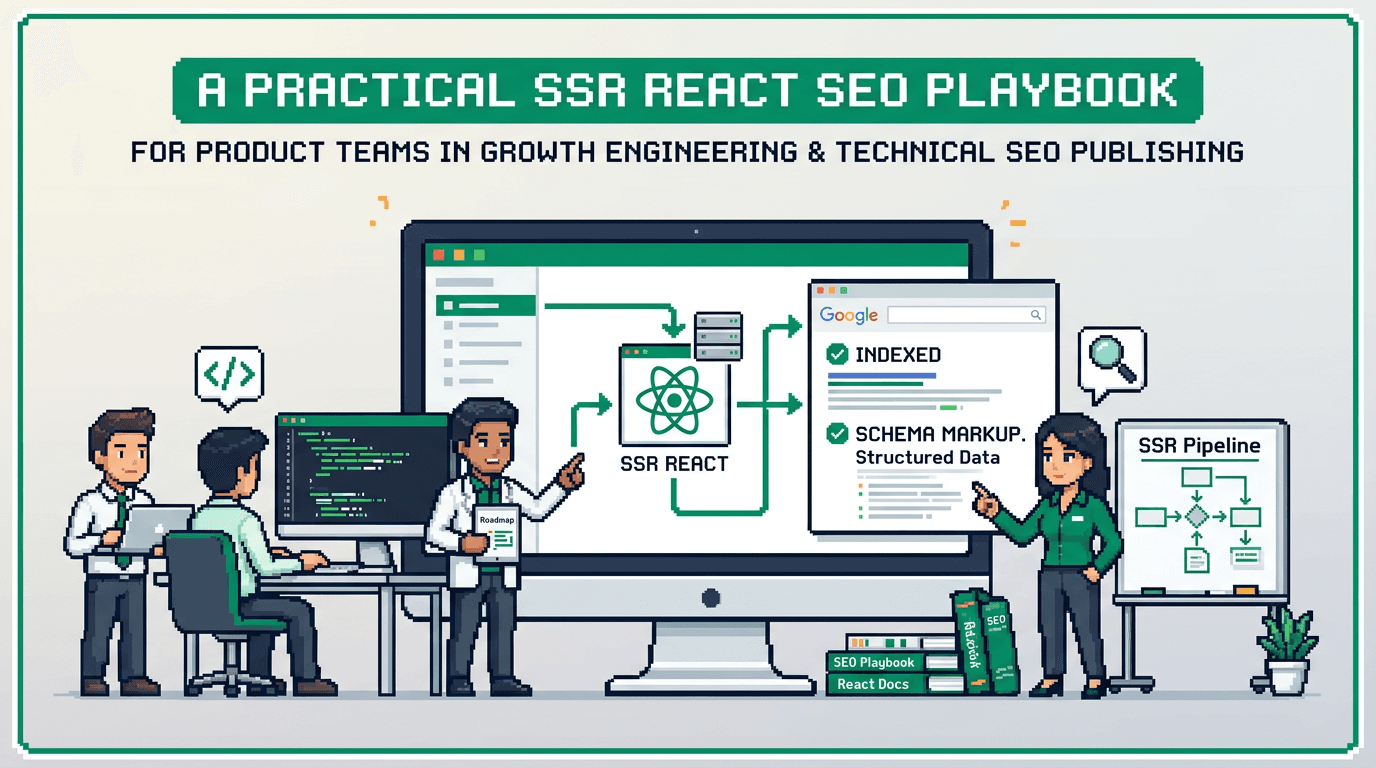
This guide shows product teams how to implement technical SEO for product teams in SSR React. It is for engineering leaders, PMs, and technical marketers who need a programmatic system. The key takeaway: define a search architecture, automate metadata and sitemaps, enforce QA gates, and run distribution and experiment loops that compound growth.
Technical SEO for product teams: goals, scope, and owners
Objectives and success metrics
- Goal: index the right pages fast and rank for qualified queries.
- Primary metrics: clicks, impressions, and average position from Google Search Console.
- Secondary metrics: index coverage, Core Web Vitals pass rate, crawl stats, error budgets.
- North star: qualified signups or leads attributed to organic.
Roles and responsibilities
- Engineering: SSR templates, routing, sitemaps, performance budgets.
- Product: scope, prioritization, acceptance criteria.
- Marketing: keyword maps, content briefs, schema coverage.
- Analytics: tagging, dashboards, QA automation.
- Ops: release and rollback procedures.
Scope boundaries
- In scope: SSR routing, metadata, canonicalization, structured data, programmatic page creation, sitemaps, robots, CWV.
- Out of scope: manual content writing standards and link building policy.
Build the SEO architecture for SSR React
Routing and canonical models
- Use one canonical URL per intent. Avoid duplicate routes.
- Prefer semantic, stable slugs. Example: /frameworks/react vs /cat?id=12.
- Implement server redirects for legacy paths. 301 only for canonical migrations.
Metadata and headers
- Generate title, meta description, and canonical on the server.
- Set hreflang when shipping locales. Keep pairs reciprocal.
- Add Open Graph and Twitter tags to align snippets across channels.
Structured data patterns
Use schema.org types that match your page templates.
- Article or BlogPosting for editorial pages.
- Product or SoftwareApplication for product and pricing.
- FAQPage for on page Q and A blocks.
- BreadcrumbList for navigation clarity.
- Organization and Website on the root.
Reference specs: schema.org and Google developer docs:
- https://schema.org/
- https://developers.google.com/search/docs/appearance/structured-data
Programmatic SEO system design
Data model and source of truth
- Define an entity model: Topic, Variant, Attribute, and Template.
- Store inputs in a versioned repo or CMS with validation.
- Map each entity to a route pattern and template.
Template contracts
- Each template exposes required fields: title, H1, intro, body blocks, FAQ blocks, images.
- Enforce lint rules to prevent empty fields or duplicates.
- Include slots for internal links and related entities.
Generation pipeline
1) Pull normalized entities from the source.
2) Validate fields against the template contract.
3) Render SSR HTML on build or request.
4) Write sitemap entries and lastmod.
5) Stage to preview with QA tags noindex.
6) Promote to production after checks pass.
Avoid common failure modes
- Thin pages: require a minimum content length or block render.
- Duplicate titles: block deploy if duplicates exceed threshold.
- Parameter sprawl: disallow crawl of tracking params via robots and canonical.
Performance and Core Web Vitals in SSR React
Budgets and guardrails
- Set performance budgets: LCP < 2.5s on 75th percentile, CLS < 0.1, INP < 200ms.
- Fail PRs when budgets break. Store budgets in repo.
Server side rendering and hydration
- Stream SSR where possible. Reduce client JS with selective hydration.
- Defer non critical scripts. Inline critical CSS. Use HTTP caching.
Asset strategy
- Serve images in AVIF or WebP. Use srcset and sizes.
- Lazy load below the fold assets.
- Preconnect to critical origins. Prefetch internal next click routes.
Google guidance:
- https://web.dev/vitals/
- https://web.dev/critical-rendering-path/
Automation workflows that remove manual SEO toil
Metadata automation
- Generate titles and descriptions from entity fields with safe fallbacks.
- Enforce length ranges and dedupe logic.
- Template example:
- Title: {{entity.name}} pricing and features
- Description: Compare {{entity.name}} specs, pricing, and FAQs.
Sitemap and robots automation
- Produce sitemap index for each entity type and locale.
- Update lastmod on content or price changes.
- Disallow crawl for preview routes. Allow static assets as needed.
Internal linking automation
- Auto insert related links using graph edges: siblings, parent, top sellers.
- Add breadcrumb markup and consistent nav anchors.
- Cap related links per block to keep relevance high.
QA gates and release workflow
Pre merge checks
- Lint metadata and schema. Validate JSON LD.
- Check for duplicate titles and canonicals.
- Run Lighthouse CI on key templates.
Pre production checks
- Crawl a staged domain with a headless crawler.
- Verify indexability: status 200, canonical self ref, no robots block.
- Visual diff content sections. Validate structured data with Rich Results Test.
Post release monitoring
- Watch Search Console coverage and enhancement reports.
- Monitor crawl stats and server errors.
- Create alerts for 404 spikes and CLS regressions.
Distribution loops for compounding reach
Content atomization
- Split a flagship guide into tweets, LinkedIn posts, short videos, and email snippets.
- Generate Open Graph images per entity to improve CTR.
Channel calendar
- Schedule 4 week cycles: publish, repurpose, update, and reshare.
- Track UTM performance by channel and asset type.
Feedback incorporation
- Pull top queries from Search Console and expand sections.
- Add FAQs to match discovered questions.
- Update internal links to reflect new winners.
Experiment loops that improve conversion quality
Hypothesis framing
- If we simplify comparison tables, then users will choose a plan faster.
- If we surface FAQs above the fold, then bounce will drop.
Test design
- Use server side splits for SEO pages to preserve crawl consistency.
- Limit to one change per test on indexable templates.
- Run until directional clarity with guardrails for CVR and CWV.
Measurement and cadence
- Weekly: review Search Console trend deltas by template.
- Biweekly: ship 1 change per template type after analysis.
- Quarterly: prune underperforming programmatic clusters.
Minimal blueprint: 30, 60, 90 day plan
Days 1 to 30: foundation
- Audit routes and canonicals. Fix obvious duplicates.
- Add SSR metadata and basic schema.
- Ship sitemap index and robots. Set budgets and CI checks.
- Stand up dashboards: Search Console, CWV, crawl logs.
Days 31 to 60: programmatic scale
- Define entity model and template contracts.
- Build generation pipeline and preview with noindex.
- Automate internal links and OG images.
- Launch first programmatic cluster with 100 to 500 pages.
Days 61 to 90: loops and hardening
- Add distribution loop calendar and atomization workflow.
- Start two A B tests per month on key templates.
- Tighten budgets, fix regressions, and expand schema coverage.
SSR React example stack and commands
Example stack
- Framework: Next.js with React Server Components.
- Rendering: static generation for evergreen, SSR for dynamic.
- Data: Headless CMS or JSON in repo for controlled clusters.
- CI: GitHub Actions with Lighthouse CI and schema lint.
Pseudo ops
- Generate sitemaps: node scripts/sitemap.js
- Validate schema: node scripts/validate-schema.js
- Lighthouse CI: lhci autorun
- Crawl stage: npx @site/crawler --start https://stage.example.com
Docs:
- Next.js SEO considerations: https://nextjs.org/docs/app/building-your-application/optimizing/seo
- Google Search Essentials: https://developers.google.com/search/docs/fundamentals/seo-starter-guide
Tooling comparison for SSR React SEO
The table compares common tools used in this workflow.
| Tool | Use case | Strengths | Gaps |
|---|---|---|---|
| Next.js | SSR and routing | Mature SSR, file routing, image, RSC | Needs discipline to limit JS |
| Lighthouse CI | Performance budgets | Automates CWV checks in CI | Lab only, needs field data pairing |
| Search Console | Indexing insights | Coverage, queries, enhancements | Delayed data, no per user detail |
| Screaming Frog | Crawl QA | Flexible crawl rules and exports | Desktop, license cost |
| Sitebulb | Crawl QA | Visual audits, internal link graphs | Desktop, license cost |
Acceptance checks before scaling programmatic pages
Technical acceptance
- 200 status, cache headers present, and consistent HTML snapshot.
- Self canonical and no conflicting directives.
- Valid JSON LD and visible content without JS.
Content acceptance
- Unique title, H1, and intro with entity tokens.
- Minimum body length and at least three internal links.
- Image present with alt text. No placeholder text.
Performance acceptance
- LCP under budget on template test URLs.
- CLS stable under 0.1 with image dimensions set.
- JS bundle under agreed KB for the template.
Governance, dashboards, and review cadence
Governance model
- PRD defines entities, templates, and budgets.
- Owners documented per template. On call rotation for incidents.
- Change log per release with rollback notes.
Dashboards to maintain
- Search Console: queries, coverage, enhancements.
- Field CWV: CrUX or RUM dashboard by template.
- Crawl health: status codes, redirects, orphan pages.
Review cadence
- Weekly standup: shipping, regressions, and quick wins.
- Monthly review: template performance and pruning plan.
- Quarterly roadmap: new clusters and schema expansion.
Key Takeaways
- Define a clear SEO architecture and entity model before scaling pages.
- Automate metadata, sitemaps, and internal links with strict QA gates.
- Enforce Core Web Vitals budgets in CI and monitor field data.
- Run distribution and experiment loops to compound reach and conversion.
- Document owners, dashboards, and rollbacks to keep the system stable.
Close the loop by reviewing dashboards weekly and shipping one improvement per template cycle.