
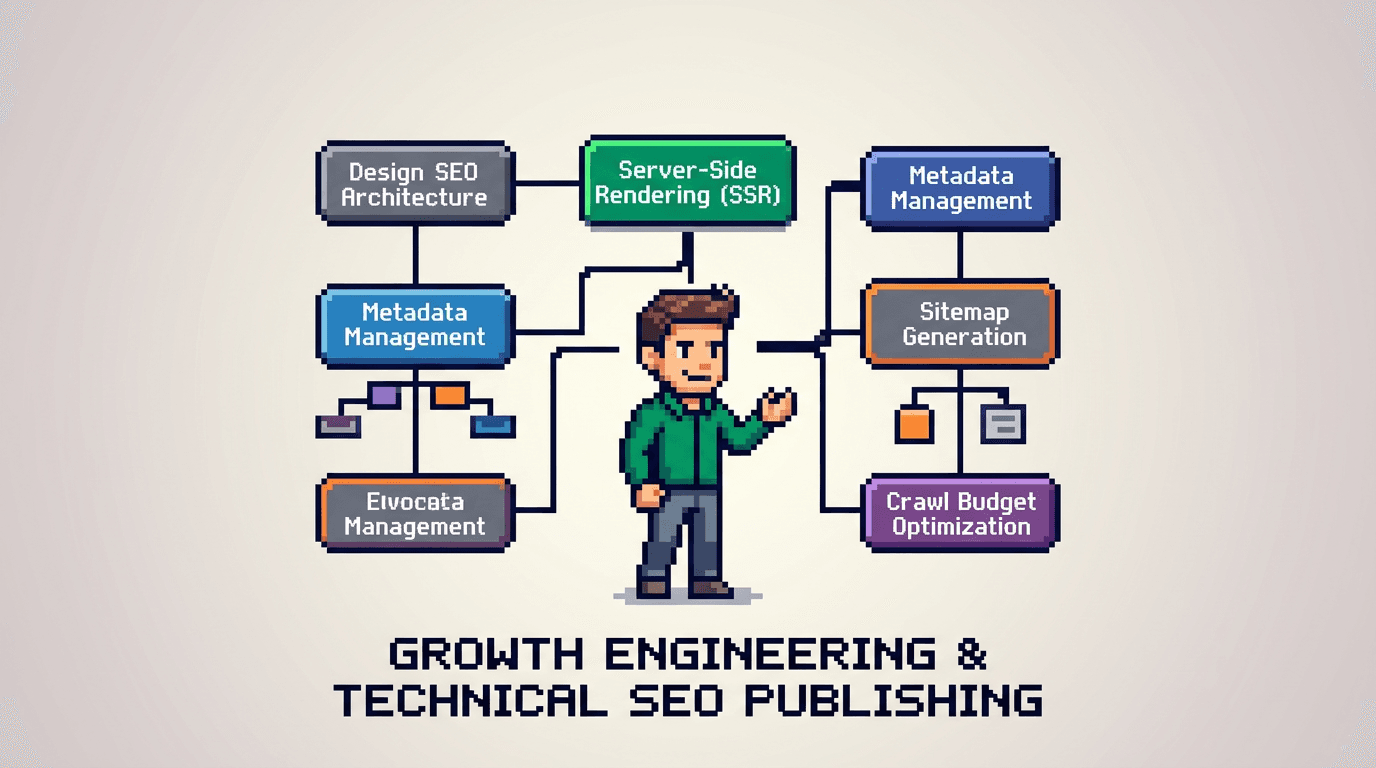
Modern React teams ship fast, but search traffic stalls when SEO is an afterthought. The fix is an SEO architecture that bakes metadata, links, and speed into your SSR pipeline from day one.
This guide shows product operators and developer teams how to design SEO architecture for SSR React apps. You will learn the system, the templates, and the QA gates to scale safely. Key takeaway: model content, render server side with clean metadata, automate checks, and run experiment and distribution loops.
What SEO architecture means for SSR React
SEO architecture is the blueprint for how pages, metadata, links, and performance work together. In SSR React, the server renders HTML before the client hydrates.
Core goals
- Make HTML complete on first paint with titles, descriptions, canonical, and structured data.
- Provide predictable URL patterns and internal links.
- Keep pages fast and crawlable.
System components
- Data model: types, fields, relationships.
- Rendering: SSR templates and partials.
- Routing: stable, human readable slugs.
- Metadata: head tags and JSON-LD.
- Links: sitemaps and internal link blocks.
- Automation: CI checks and crawls.
Why SSR matters
- Bots read HTML without waiting for client scripts.
- Pre rendered markup improves indexability.
- You control canonical signals early.
Map the domain and model your content
Before code, define entities and relationships. The data model drives templates and URLs.
Inputs
- Product taxonomy and user intents.
- Existing content inventory and traffic sources.
- SERP patterns for head and long tail queries.
Process
- List entity types: guides, features, industries, integrations, FAQs.
- Define fields: title, summary, body, media, schema payloads.
- Add relations: feature links to industries and guides.
- Assign owners: content, design, engineering.
- Store the model in your CMS or a schema file.
Outputs
- ERD diagram and field specs.
- URL strategy doc per entity.
- Internal link rules between entities.
URL strategy and routing rules
Stable URLs reduce redirects and duplicated content. Keep them short and descriptive.
Rules of thumb
- Use lowercase hyphenated slugs.
- Avoid dates in slugs unless news.
- One canonical URL per concept.
Pattern examples
- /guides/seo-architecture
- /features/server-side-rendering
- /industries/fintech
- /integrations/shopify
Migration plan
- Map legacy paths to the new structure.
- Add 301 redirects at the edge.
- Validate with a crawl diff before release.
SSR templates and metadata delivery
Server render all critical tags. Use shared partials to avoid drift.
Head partial blueprint
- <title> and <meta name="description">
- rel="canonical" and hreflang when needed
- Open Graph and Twitter tags
- robots meta for noindex or index
- JSON LD blocks for Article, Product, or FAQ
Template strategy
- One base layout for document head and shell.
- Per entity template for body content.
- Partials for breadcrumbs, pagination, and related links.
Example head component
// Head.tsx
export function Head({ title, desc, canonical, og }: Props) {
  return (
    <>
      <title>{title}</title>
      <meta name="description" content={desc} />
      <link rel="canonical" href={canonical} />
      <meta property="og:title" content={title} />
      <meta property="og:description" content={desc} />
      <meta property="og:url" content={canonical} />
      <meta name="twitter:card" content="summary_large_image" />
    </>
  );
}
Structured data and internal linking
Structured data clarifies meaning. Internal links pass context and PageRank within your domain.
JSON LD snippets
- Article: headline, description, author, datePublished.
- FAQ: question and acceptedAnswer.
- Product: name, description, offers.
Link blocks that scale
- Related entities: features on guide pages.
- Sibling navigation: next and previous in a series.
- Hub to spoke: category overviews to details.
Acceptance checks
- All entity pages include one structured data type.
- Every page links to at least two relevant pages.
- Breadcrumbs render valid JSON LD.
Performance and crawl budget in SSR React
Speed amplifies rankings and conversions. Keep the server and client lean.
Server side performance
- Cache SSR HTML at the edge with revalidation.
- Precompute heavy queries offline.
- Stream HTML where supported.
Client hydration
- Split bundles by route.
- Use islands for interactive widgets.
- Defer non critical scripts.
Crawl controls
- XML sitemaps per entity type.
- robots.txt rules for filtered pages.
- noindex for thin or duplicate pages.
Automation workflows and QA gates
Automation catches regressions before bots do. Make checks fail the build.
CI checks
- Lint head tags: presence and max lengths.
- Validate canonical and hreflang pairs.
- Test 200 status on primary routes.
- Check JSON LD with a schema validator.
Synthetic crawls
- Run a pre prod crawl on every release.
- Compare against the last known good crawl.
- Block release on new 404s or orphan spikes.
Lighthouse and Web Vitals
- Budget: LCP < 2.5s on 75th percentile.
- CLS < 0.1 and INP < 200ms.
- Fail build if budgets exceed thresholds.
Programmatic SEO that stays high quality
Programmatic SEO scales pages from a dataset. Quality comes from templates, constraints, and review loops.
Data hygiene
- Normalize entities and dedupe records.
- Add mandatory fields with validators.
- Store source and freshness timestamps.
Template constraints
- Unique titles and H1 from fields.
- Smart defaults with override fields.
- Limit repeatable blocks to avoid boilerplate.
Review loop
- Sample 1 percent of new pages weekly.
- Score for accuracy and usefulness.
- Roll back the generator on failures.
Distribution loops that compound reach
Search compounds when content also spreads across channels. Build a loop to publish, clip, and learn.
Core loop
- Publish the flagship page.
- Generate 5 snippets for social and email.
- Schedule posts and track UTM clicks.
- Harvest comments for FAQs.
- Fold insights into the page.
Tooling
- Scheduler with API for batch posts.
- Template library for snippets.
- Dashboard for UTM and assisted conversions.
Acceptance
- Each new page gets a 30 day distribution plan.
- At least 3 channels used per page.
- Update the page at day 30 with insights.
Experiment loops for continuous improvement
Run small tests to learn fast. Use clear hypotheses, small surfaces, and crisp metrics.
Test ideas
- Title rewrite focused on task language.
- FAQ block that answers real objections.
- Internal link module with intent tags.
Design a simple loop
- Hypothesis: change X will move metric Y.
- Implement variant behind a flag.
- Run for two weeks or 1k sessions.
- Decide and document next action.
Metrics
- Click through rate from SERP.
- Scroll depth and time on page.
- Assisted signups from organic.
Minimal blueprint to implement in 30 days
Ship the basics in one month with weekly milestones.
Week 1: model and routes
- Lock entity model and URL patterns.
- Build base layout and head partial.
- Migrate two key page types.
Week 2: metadata and structure
- Wire canonical, OG, and JSON LD.
- Add breadcrumbs and related links.
- Generate XML sitemaps.
Week 3: automation and performance
- Add CI checks and schema validation.
- Set budgets for LCP, CLS, INP.
- Enable edge caching and route splits.
Week 4: loops and launch
- Create distribution templates.
- Define three experiments.
- Run a full crawl and ship.
Example role and ownership matrix
Assign clear owners so work moves fast.
| Area | Owner | Tooling | Success metric |
|---|---|---|---|
| Data model | Product + Content | CMS schema | Signed spec by day 5 |
| Templates | Engineering | SSR framework | Pages render with head pass |
| Metadata | Engineering | Partial lib | 0 missing tags in CI |
| Links | SEO | Crawl tool | Orphans < 2 percent |
| Performance | Engineering | Lighthouse CI | Budgets green on main routes |
| Programmatic | Data + Content | Generator | QA score > 90 on samples |
| Distribution | Marketing | Scheduler | 30 day plan complete |
| Experiments | Growth | Flags + Analytics | 2 decisions per month |
Integrations and services to accelerate
You can speed up delivery with focused services and partners.
Where to get help
- Full service support: see services at https://www.baylinedigital.com/services
- SEO strategy and implementation: https://www.baylinedigital.com/services/seo
- Custom website builds for SSR React: https://www.baylinedigital.com/services/custom-websites
How to engage
- Share your data model and URL map.
- Align on budgets and QA gates.
- Start with a 30 day implementation.
Common failure modes and rollbacks
Expect issues. Plan rollbacks before launch.
Failure modes
- Missing canonicals trigger duplicates.
- Route changes break indexed URLs.
- Programmatic pages go thin after feed drift.
Rollbacks
- Revert to previous sitemap and redirects.
- Restore last good head partial from version control.
- Pause the generator and remove low value sets.
Checks after rollback
- Crawl again and compare diffs.
- Re submit key URLs for indexing.
- Monitor logs and GSC coverage for 7 days.
Monitoring and review cadence
Track results and keep the system healthy.
Dashboards
- Organic sessions and assisted signups.
- Page level CTR and position.
- Core Web Vitals by route.
Cadence
- Weekly: crawl diff and budget checks.
- Monthly: experiment review and next actions.
- Quarterly: architecture audit and backlog reset.
Key Takeaways
- Build a clear data model, stable URLs, and SSR templates with complete head tags.
- Automate QA with CI checks, crawls, and performance budgets that fail builds.
- Use programmatic SEO carefully with constraints, sample reviews, and rollbacks.
- Run distribution and experiment loops to compound reach and learning.
- Set owners, timelines, and dashboards so the system stays healthy.
Ship the baseline in 30 days, then iterate with small, steady improvements. For expert help, explore services linked above.