
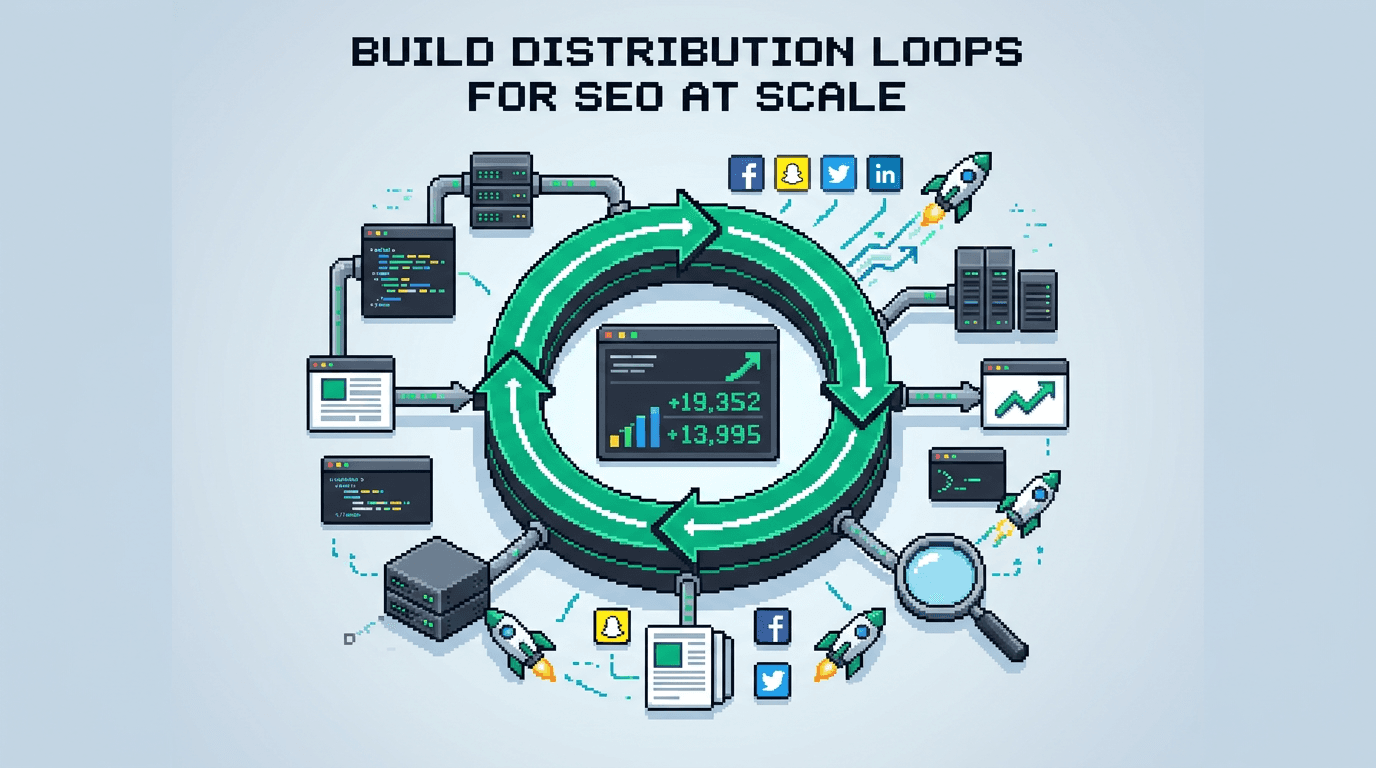
Most teams ship good posts that fade after launch. Distribution loops turn each post into a compounding traffic asset.
This guide shows product operators and technical marketers how to design, automate, and run distribution loops for programmatic SEO at scale. You will map channels, set cadences, wire automation, and measure lift. The takeaway: treat distribution as a repeatable system with inputs, gates, and outputs.
What Are Distribution Loops?
Distribution loops are repeatable workflows that turn one source asset into many channel placements and signals. The loop runs on a schedule and feeds back into content plans.
- Input: a canonical article or programmatic page set.
- Process: slice, adapt, schedule, and monitor.
- Output: clicks, links, mentions, and data for the next iteration.
Distribution loops differ from one time promotion. Loops run every week with a fixed playbook, automation, and QA.
Why Distribution Loops Matter for Programmatic SEO
Programmatic SEO scales pages fast. Without distribution, many pages sit unlinked and unseen. Loops add external signals that support crawling, indexing, and link discovery.
- Earn links through helpful derivatives like checklists and snippets.
- Shorten time to first click with social and email placements.
- Reduce dependence on a single channel.
- Create feedback that guides template and copy updates.
Choose a Primary Loop Model
Select a model that fits your content engine and resources. Start with one loop. Add a second loop after four review cycles.
Model 1: Flagship to Network
- One flagship post each week.
- Derivatives feed LinkedIn, X, email, communities, and partner newsletters.
- Good for deep educational content.
Model 2: Programmatic Page Drip
- A batch of similar pages releases on a fixed cadence.
- Each batch gets snippets, internal links, and community FAQs.
- Good for templates, glossary, and location pages.
Model 3: Video First Repurpose
- Record a short demo or teardown.
- Transcribe, extract quotes, and ship as article, clips, and slides.
- Good for product led content and feature launches.
System Blueprint: Inputs, Process, Outputs
Define the system before tools. Keep each part observable and replaceable.
Inputs
- Canonical asset: URL, title, abstract, target keywords.
- Snippet pack: quotes, stats, images, and code samples.
- Channel map: audiences, formats, posting limits.
Process
- Slice: turn the asset into 10 to 20 snippets.
- Adapt: change format for each channel.
- Schedule: assign dates and owners.
- QA: check brand, accuracy, and links.
- Publish: post to channels and partners.
Outputs
- Metrics: clicks, saves, mentions, and backlinks.
- Learning notes: what headline and angle won.
- Backlog updates: add new topics and anchor pages.
Map Channels and Cadences
Assign a realistic cadence per channel. Do not over schedule. Protect quality.
Owned Channels
- Blog: canonical, evergreen updates.
- Email: weekly digest or drip.
- Product: in app tips and release notes.
Rented Channels
- LinkedIn: 3 to 5 posts per week. Use native documents for carousels.
- X: 5 to 10 posts per week. Thread for technical walkthroughs.
- Communities: 2 to 3 helpful posts per week. Avoid link drops.
- Partners: 1 to 2 co posts per month.
Acceptance Checks
- Posts add value even without a click.
- Each post links to one clear next action.
- No channel exceeds sustainable reply time.
Build the Automation Lane
Automation removes manual bottlenecks. Keep humans for judgment and voice.
Tools Stack
- Source of truth: Git or Notion for briefs and snippets.
- Scheduler: Buffer or Hootsuite for queues.
- Transform: Node scripts or Zapier to format snippets.
- Tracking: UTM builder and a Looker Studio dashboard.
Workflow Steps
1) Triage the new asset. Add metadata: audience, job to be done, keywords.
2) Generate snippet candidates. Use a script to extract quotes and H2 lines.
3) Human edit to sharpen hooks and CTAs.
4) Auto build UTM links by channel and campaign.
5) Queue posts to channels. Stagger by timezone.
6) Run QA gates. Check links, brand terms, and claims.
7) Publish. Monitor replies for 48 hours.
8) Append learning notes and metrics.
Example Pseudo Script
Use a simple CLI to build a snippet pack from a markdown file.
cli extract-snippets --file post.md \
  --max 20 \
  --include "H2, quotes, bullet lines" \
  --out snippets.json

cli build-utm --base-url https://yourdomain.com/guide \
  --channels linkedin,x,email,community \
  --campaign dist_loop_q2 \
  --out links.csv
QA Gates That Protect Quality
Set clear gates before a post leaves the queue. Gates reduce rework and protect brand trust.
Gate A: Accuracy
- Source claim proof in the brief.
- Avoid invented stats.
- Resolve any ambiguous terms.
Gate B: Clarity
- One promise per post.
- Hook under 140 characters.
- No jargon without payoff.
Gate C: Link Health
- One primary link with UTM.
- One secondary link to a related asset.
- Internal links tested and live.
Measurement, Benchmarks, and Alerts
Measure signals that compound SEO. Set alerts to catch failures early.
Core Metrics
- Click through rate per channel.
- Saves and replies as quality proxy.
- Referring domains to the canonical piece.
- Indexing latency and impressions in Search Console.
Benchmarks
- Aim for a 10 to 20 percent rise in non brand clicks after four loops.
- Seek at least 3 distinct referring domains per flagship.
- Hit a stable 30 day cadence with less than 5 percent missed posts.
Alerts
- CTR drop greater than 30 percent week over week.
- Zero new links after two weeks.
- Indexing delays longer than seven days.
Close the Feedback Loop
Feed learning into content, templates, and channel tactics. Do it on a fixed cadence.
Weekly Review
- Check top 5 snippets by CTR.
- Note which hooks win by audience.
- Update the snippet pack and queue new variants.
Monthly Review
- Compare channel level ROI.
- Merge weak channels or reduce cadence.
- Refresh the top 10 evergreen posts with new data.
Quarterly Review
- Update your SEO architecture map based on traffic shifts.
- Plan net new clusters from community questions.
- Prune underperforming pages and redirect.
Example Loop for a Programmatic SEO Launch
Use this sample plan to kickstart your first loop.
Assumptions
- You ship 100 glossary pages and 1 flagship guide.
- You have LinkedIn, X, email, and two communities.
- You track with UTM and Search Console.
Week 1
- Publish flagship. Submit sitemap. Share a LinkedIn document carousel.
- Post an email digest with three takeaways and one CTA.
- Seed two community threads that answer common terms.
Weeks 2 to 4
- Drip 20 glossary snippets per week across LinkedIn and X.
- Add internal links from the flagship to glossary pages.
- Post two FAQs per week in communities and link back.
- Pitch one partner newsletter inclusion.
Weeks 5 to 8
- Refresh top performing snippets with stronger hooks.
- Record a short demo video. Repurpose to clips.
- Publish a comparison post that links to glossary terms.
- Send a second digest with updates and reader questions.
Channel Format Templates
Speed comes from templates. Adapt these to your voice.
LinkedIn Single Post
- Hook: state the outcome.
- 3 to 5 bullets: steps or checklist.
- CTA: read the full guide link with UTM.
X Thread
- Hook tweet: problem in one line.
- 5 to 7 steps with one example.
- Final tweet: link and a saved tip.
Email Digest
- Subject: one promise under 45 characters.
- Body: intro, 3 bullets, one CTA.
- P.S.: link to partner or tool.
Team Roles and RACI
Keep ownership crisp. Small teams can cover all roles with two people.
Roles
- Owner: sets goals and approves hooks.
- Editor: enforces QA gates and voice.
- Ops: runs scripts and schedules posts.
- Analyst: reports and proposes tests.
RACI Matrix
Here is a simple matrix to align responsibilities.
| Task | Owner | Editor | Ops | Analyst |
|---|---|---|---|---|
| Asset triage | R | C | A | I |
| Snippet editing | C | A | R | I |
| Scheduling | I | C | A | R |
| QA gates | C | A | R | I |
| Reporting | I | I | C | A |
R means responsible. A means accountable. C means consulted. I means informed.
Common Failure Modes and Rollbacks
Anticipate failure. Define rollback plans.
Failure: Low CTR
- Rollback: swap hooks within 24 hours.
- Action: test three new leads. Pin the winner.
Failure: No New Links
- Rollback: publish a companion checklist or cheatsheet.
- Action: pitch it to partners and communities.
Failure: Audience Fatigue
- Rollback: cut cadence by 30 percent for one week.
- Action: add utility posts with no link ask.
Tooling Options Compared
Pick tools that fit your workflow and constraints.
Here is a quick comparison of common tool choices.
| Category | Option A | Option B | Strength | Trade off |
|---|---|---|---|---|
| Scheduler | Buffer | Hootsuite | Simple queues | Limited deep analytics |
| Transform | Node scripts | Zapier | Full control | Setup time |
| Analytics | GA4 | Looker Studio | Robust data | Learning curve |
| Notes | Notion | Obsidian | Easy templates | Plugin reliance |
How Distribution Loops Support Technical SEO
Loops help technical SEO for product teams by closing gaps that code alone cannot cover.
Crawl and Index Support
- Fresh mentions help crawlers find and revisit pages.
- Frequent internal links reduce orphan risk.
- Email and social clicks seed user signals.
Quality Signals
- Saves and replies show utility.
- Partner placements send trust.
- Feedback improves copy and headings.
Execution Playbook: 30 Day Sprint
Run this sprint to install your first loop.
Week 0 Prep
- Pick one loop model and one flagship.
- Build snippet pack and UTM sheet.
- Create QA checklist.
Weeks 1 to 4 Ops
- Post daily per the channel map.
- Review analytics every Friday.
- Ship one improvement each Monday.
Definition of Done
- Four weekly reports completed.
- CTR above baseline on two channels.
- At least two new referring domains.
Where to Get Help
Need help building the system and templates fast? Start with a clear services plan, then scale with focused SEO and a stable web stack that your team can maintain.
- Full services: https://www.baylinedigital.com/services
- SEO services: https://www.baylinedigital.com/services/seo
- Custom websites: https://www.baylinedigital.com/services/custom-websites
Key Takeaways
- Treat distribution as a weekly system with clear inputs and outputs.
- Start with one loop model and one flagship asset.
- Automate slice, adapt, and schedule steps with human QA gates.
- Measure CTR, links, and indexing speed. Set alerts and rollbacks.
- Feed learnings back into content and channel templates.
Close the loop, keep cadence, and compound results over quarters.